May 21, 2026
  13 Min
  No Comment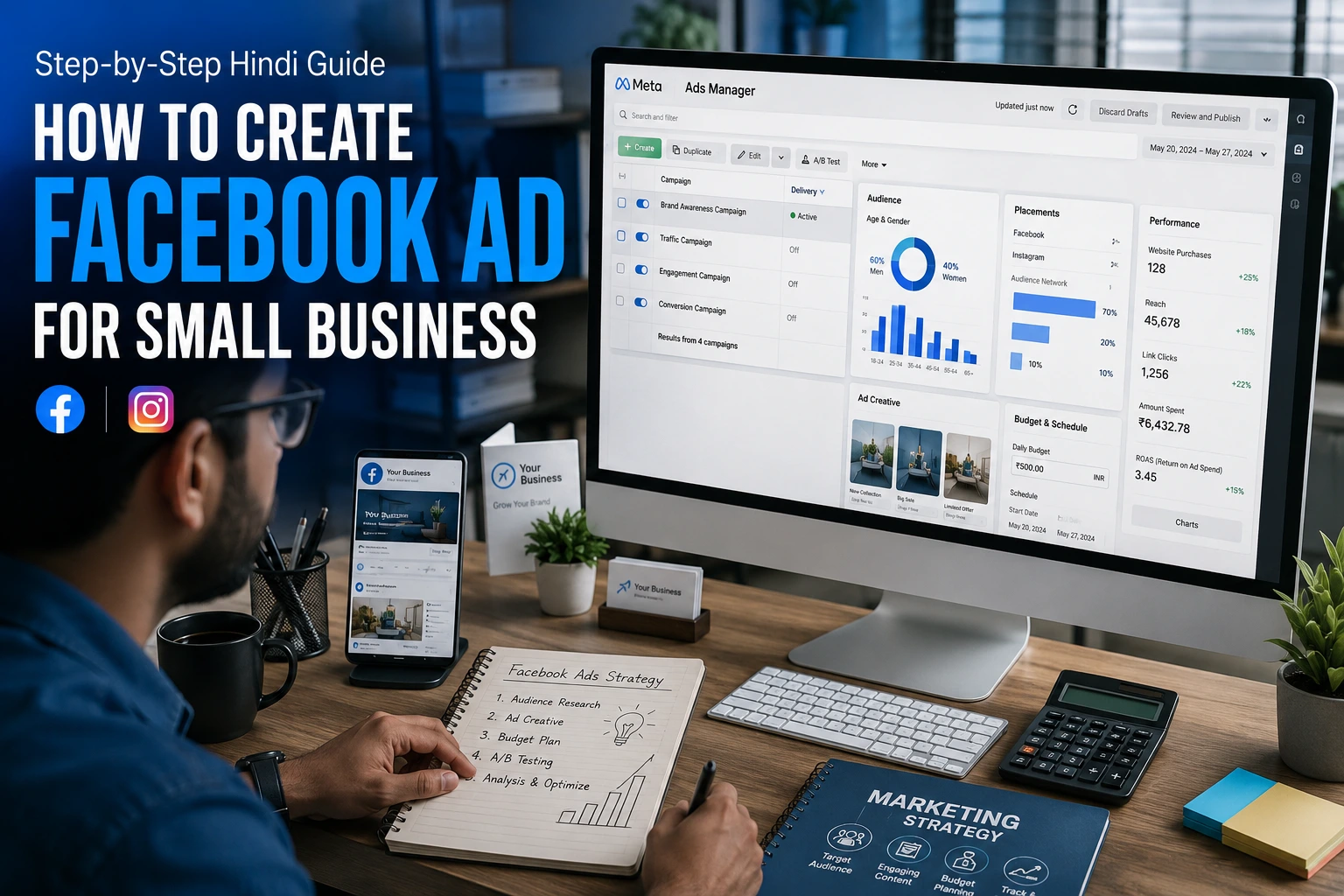
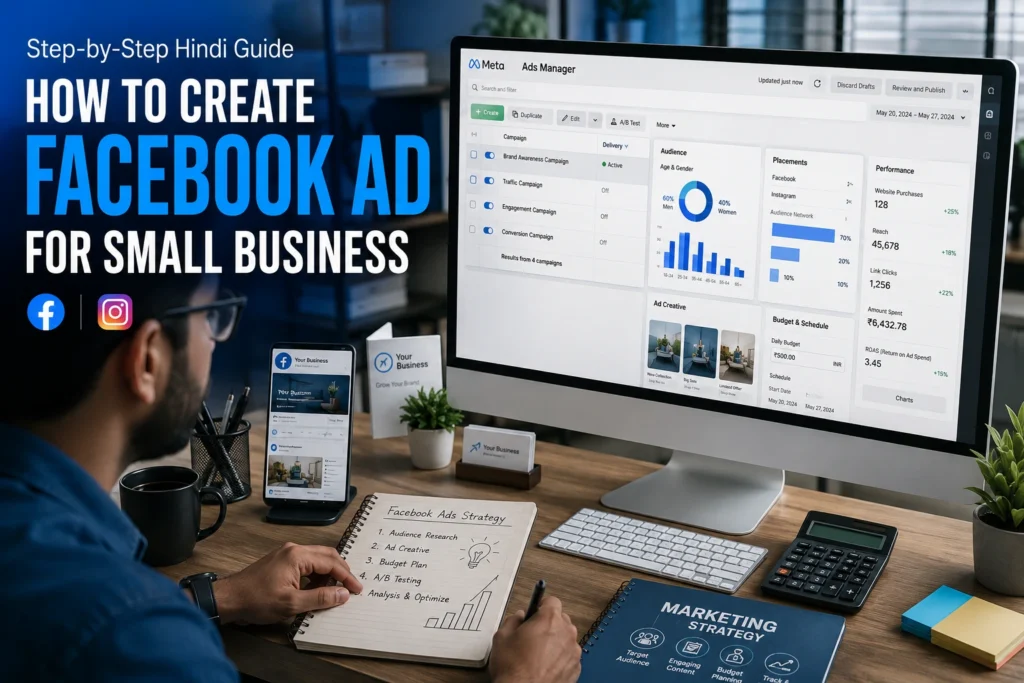
Running a small business today means competing for attention in a crowded marketplace. Facebook advertising gives local and small business owners a direct line to their ideal customers, right in the feed they scroll every day. Whether you sell from a physical shop, offer services, or run an online store, a well-crafted Facebook ad can drive real inquiries and sales, even on a tight budget.
This guide walks you through every stage of Facebook paid advertising, from account setup to campaign launch, audience targeting, budget planning, creative best practices, and performance tracking. No jargon, no fluff. Just a clear, practical process you can follow today.
What Are Facebook Advertisements and How Do They Function
Facebook ads are paid promotional messages that Meta delivers to users based on their location, interests, age, behavior, and more. Unlike organic posts that reach only a fraction of your existing followers, paid ads are pushed to people who have never heard of your business, making them a powerful customer acquisition tool.
Organic Posts vs. Facebook Paid Ads
An organic post appears on your business page timeline and in the feeds of people who already follow you. Reach is limited and declining. A paid ad, on the other hand, uses Meta’s targeting engine to place your message in front of a defined audience, whether that is 500 people in your neighborhood or 50,000 in your city. The key difference is control: you choose who sees the ad, when, and how much you spend.
What Is Meta Ads Manager
Meta Ads Manager is the central dashboard where you build, monitor, and optimize every Facebook and Instagram campaign. It organizes your work into three levels: Campaign (the objective), Ad Set (the audience and budget), and Ad (the creative). Understanding this structure from the start prevents costly mistakes later.
What You Need Before Running Your First Facebook Ad
1. A Facebook Business Page
You cannot run ads from a personal profile. Visit facebook.com/pages/create, choose a category, fill in your business name, description, contact details, and profile picture. A complete page builds trust with potential customers who click through from your ad.
2. Meta Business Manager Account
Go to business.facebook.com and create a Business Manager account. This gives you a professional workspace separate from your personal Facebook, lets you add team members, and manages multiple pages or ad accounts from one place.
3. Payment Method and Ad Account
Inside Business Manager, navigate to Billing and add a credit card, debit card, or UPI payment method. Then create an Ad Account under Accounts. Select your currency (Indian Rupee if you are in India) and time zone carefully, because these cannot be changed later.
4. Facebook Pixel for Conversion Tracking
The Facebook Pixel is a small snippet of code you paste into your website. It tracks what visitors do after clicking your ad, such as filling a form, making a purchase, or viewing a product page. Install it via Events Manager before spending a rupee on ads. Without it, you are flying blind on what is actually converting.
Step-by-Step: How to Create a Facebook Ad Campaign
Step 1: Open Meta Ads Manager
Visit ads.facebook.com. Click the green Create button. A new campaign flow will open. You will work through three levels: Campaign, Ad Set, and Ad.
Step 2: Choose Your Campaign Objective
Meta groups objectives into six categories. For small businesses, the four most useful are:
- Traffic: Sends people to your website or landing page.
- Leads: Collects contact details through a native Facebook form, no landing page needed.
- Engagement: Boosts likes, comments, shares, and messages to your page.
- Sales: Optimizes for purchases or conversions tracked via Pixel.
Choose the objective that matches what you actually want your customer to do. If you want them to call you, choose Leads or Traffic. If you want them to buy online, choose Sales.
Step 3: Audience Targeting
Audience targeting is where most beginners lose money. Be specific but not too narrow.
Location Targeting
Enter your city, pincode, or drop a pin on a map and set a radius in kilometers. A salon in Meerut should target people within 5 to 10 km, not the entire state.
Age, Gender, and Interests
Narrow your audience by the age range most likely to buy from you.Utilize Detailed
Targeting to incorporate interest segments like home decoration, fitness enthusiasts, small business proprietors, or wedding coordination, based on your product or service.
Custom Audiences and Lookalike Audiences
Upload your existing customer list or website visitor data to create a Custom Audience. From there, Facebook can find a Lookalike Audience, people who share similar characteristics with your best customers. This is one of the most powerful targeting features available to small businesses and is completely free to use.
Step 4: Set Your Ad Budget
Daily Budget vs. Lifetime Budget
A Daily Budget spends a fixed amount every day for as long as the campaign runs. A Lifetime Budget spreads your total spend across a date range, letting Facebook pace delivery automatically. For beginners, a daily budget gives you more control and makes it easier to pause if something is not working.
How Much Should You Spend?
Start with Rs. 100 to Rs. 300 per day for a new campaign. This is enough for Facebook to gather data and begin optimizing delivery. Run the ad for at least 7 days before making major changes. Cutting campaigns too early is the single most common beginner mistake.
Step 5: Choose Ad Placements
Placements determine where your ad appears. Options include Facebook News Feed, Instagram Feed, Facebook and Instagram Stories, Reels, Messenger, and the Audience Network. For most small businesses, selecting Advantage+ Placements (Meta’s automatic option) works well because the algorithm distributes budget to the lowest-cost placements. If you want manual control, start with Facebook Feed and Instagram Feed and add Reels once you have video creatives ready.
Step 6: Upload Your Ad Creative
Image Ads
Use a 1080 x 1080 px square image for Feed placements. Ensure that the text on the image occupies less than 20 percent of the frame.A clean product photo or a real photo of your business outperforms polished stock imagery almost every time.
Video Ads
Video ads consistently deliver higher engagement and lower cost per result than static images. Keep your video under 60 seconds. Put your most important message in the first 3 seconds because most viewers scroll past after that. Add subtitles since many people watch with sound off.
Ad Copy Tips
Write your primary text in a conversational tone. Lead with the customer’s problem or desire, follow with your solution, and end with a clear call to action. Avoid all-caps, excessive punctuation, and generic phrases like ‘best quality product.’ Be specific: ‘Free home delivery within 5 km of Meerut’ beats ‘Fast delivery available.’
Step 7: Add a Call-to-Action Button
Meta offers several CTA options. Align the button with your campaign objective:
Call Now: Best for service businesses that close over the phone.
- Send WhatsApp Message: Ideal if your sales happen on WhatsApp.
- Learn More: Works for traffic campaigns driving people to a website.
- Shop Now: Use for ecommerce or product catalog ads.
Step 8: Review and Publish
Before hitting Publish, go through the Review screen carefully. Check your audience size estimate (aim for at least 50,000 to 200,000 for a local campaign), confirm your daily budget and end date, preview how the ad looks on mobile and desktop, and make sure the landing page URL works. Once submitted, Facebook typically reviews and approves ads within 24 hours.
Best Facebook Ad Strategies for Small Business
Retargeting: Reach People Who Already Know You
Retargeting ads are shown to people who visited your website, engaged with your page, or watched your videos but did not convert. These audiences are warm and convert at far lower cost than cold audiences. Set up a retargeting ad set targeting website visitors from the last 30 days once your Pixel has collected at least 100 visits.
A/B Testing Your Ads
Split testing, also called A/B testing, means running two variations of the same ad with one element changed. Test one variable at a time: the image versus a video, one headline versus another, or two different audiences. Run each test for at least 5 to 7 days with equal budget before deciding a winner. Meta has a built-in A/B test feature inside Ads Manager.
Facebook Lead Generation for Service Businesses
If you run a coaching center, clinic, boutique, or any service that requires a conversation before a sale, Lead Generation ads are your best friend. The customer fills out a pre-populated form without leaving Facebook, which dramatically reduces friction. Contact each lead within one hour.
Speed of response is the biggest factor in lead conversion, regardless of industry.
What is the expense of Facebook ads to small business?
Facebook advertising cost varies by industry, audience competition, creative quality, and time of year. Two metrics matter most: CPC (Cost Per Click) and CTR (Click Through Rate).
- CPC indicates the cost you incur each time an individual clicks on your advertisement.
- Lower is generally better, but a high CPC from a highly relevant audience can still be profitable.
- CTR shows what percentage of people who saw the ad actually clicked it. A CTR above 1 percent is a good starting benchmark for most small business campaigns in India.
For small businesses in India, a realistic starting range is Rs. 150 to Rs. 500 per day for a focused local campaign. This budget, combined with a focused audience and high-quality creative, can generate 10 to 50 leads weekly based on your sector and proposal.Never judge a campaign’s success in the first three days. Facebook’s algorithm needs time to exit the learning phase, which typically requires around 50 optimization events such as clicks, leads, or purchases. Be patient, monitor daily, but make decisions weekly.
Common Facebook Ad Mistakes to Avoid
Confusing Boost Post with Running a Proper Ad
The Boost Post button is a shortcut that offers limited targeting and zero access to advanced campaign features like Pixel tracking, conversion objectives, or custom audiences. Always build campaigns inside Meta Ads Manager for real business results.
Aiming at an Audience That Is Either Too Wide or Too Limited
An audience of 5 million people for a local business wastes budget on people who will never visit. An audience of 2,000 people burns out quickly and drives up costs. For local campaigns, an audience of 50,000 to 300,000 is usually the sweet spot.
Skipping Landing Page Optimization
A great ad that sends traffic to a slow, confusing, or mobile-unfriendly page is money wasted. Evaluate your landing page on a mobile device prior to starting any campaign.
Make sure the page loads in under 3 seconds, has a visible phone number or form, and matches the promise made in the ad.
Ignoring Conversion Tracking
Without the Facebook Pixel or Conversions API set up correctly, Meta cannot optimize for the actions that actually matter to your business. You end up paying for clicks from people who never convert. Install the Pixel before spending any money on ads.
How to Check Your Facebook Ad Results
Inside Meta Ads Manager, the Columns view shows key performance data. Customize it to display: Reach, Impressions, CTR, CPC, Cost per Lead or Cost per Purchase, Frequency (how many times the same person has seen your ad), and Amount Spent.
- Reach vs. Impressions: Reach counts unique people. Impressions count total views. A high frequency (above 4) means the same people keep seeing your ad, which signals audience fatigue. Expand your audience or change your creative.
- CTR and Conversion Rate: If CTR is low, the creative or headline is not grabbing attention. If CTR is fine but conversions are low, the problem is on your landing page or offer.
- ROI Tracking: Calculate Return on Ad Spend (ROAS) by dividing revenue generated from ads by total ad spend. A ROAS above 3x is generally considered healthy for most small businesses.
Tips for Facebook Ad Beginners
- Start with a small budget. Rs. 100 to Rs. 200 per day is enough to learn what works without risk.
- Use real photos and videos from your own business. Authenticity consistently outperforms polished templates on Facebook.
- Design for mobile first. Over 95 percent of Facebook users in India browse on mobile devices.
- Test regularly. Run at least two ad variations at all times so you are always learning what resonates with your audience.
- Do not touch campaigns too often. Changing targeting, budget, or creative resets the learning phase and increases your costs.
- Use video ads as soon as possible. A 15 to 30 second phone video of you explaining your service or showing a product in use often outperforms any designed graphic.
Conclusion
Facebook advertising is one of the most cost-effective tools available to small businesses today. It doesn’t require a big price tag or even a marketing degree to get a head start. What you do need is a clear goal, a defined audience, a compelling creative, and the discipline to test and optimize over time.
Follow the steps in this guide, track your results consistently, and improve with every campaign. Small businesses that commit to learning Facebook paid advertising gain a reliable, scalable channel for customer acquisition that grows with them.
Frequently Asked Questions
How to build a step by step Facebook ad?
Open Meta Ads Manager, click Create, select your campaign objective, define your target audience, set a daily or lifetime budget, choose your placements, upload your image or video, write your ad copy, pick a CTA button, and publish. The process takes under 30 minutes once your Business Page and payment method are in place.
How effective are Facebook ads for small businesses?
Very effective when set up correctly. Facebook’s local targeting, interest-based segmentation, and lead generation tools make it one of the best paid channels for small business customer acquisition, especially with a limited marketing budget.
What is the lowest budget required for Facebook ads?
It can be initiated from just Rs.100 per day in India. A budget of Rs.150 to Rs. 300 per day is enough for Facebook’s algorithm to work efficiently and provides for measurable results, usually within the first week.
What is the difference between Boost Post and Facebook Ads?
Boost Post is a simplified promotion tool with limited targeting and no access to conversion tracking or advanced objectives. Facebook Ads built inside Meta Ads Manager offer full control over audience, placement, bidding, Pixel integration, and campaign optimization. For business results, always use Ads Manager.
How can I generate customers through Facebook ads?
Use the Leads objective with a native Facebook form for the lowest-friction approach. Target a specific local audience, use a compelling image or short video, write copy that addresses a real problem your customer has, and follow up with every lead within one hour of receiving it.
Are Facebook ads easy for beginners?
Yes. Meta Ads Manager is well-documented and guides you through each step. Starting with a simple Traffic or Leads campaign, a local audience, and a single image or video is straightforward. The learning curve is steeper for advanced strategies like Pixel-based retargeting and Lookalike Audiences, but the basics are accessible to anyone willing to spend an afternoon exploring the platform.