
 April 15, 2026
  6 Min
6 Min  No Comment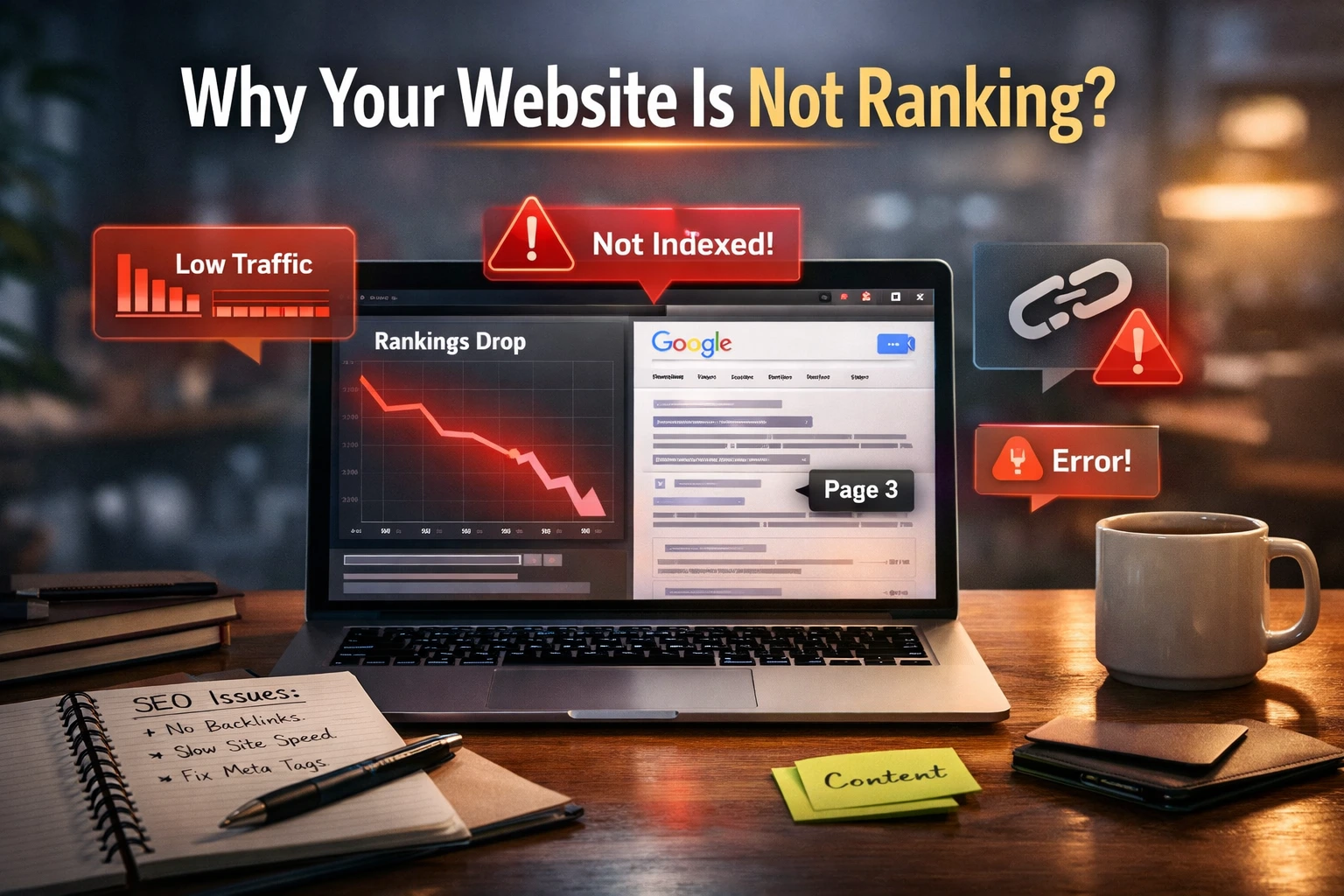
You built your website, published content, and waited. But your site is still not showing up in Google search. You are not alone.
Most website owners face this exact problem. The good news is, every ranking issue has a fix. This guide covers 15 real reasons your website is not ranking on Google and exactly what to do about it.
How Google Ranking Works
Google uses three steps before your page appears in search results: crawling, indexing, and ranking.
Crawling means Google discovers your pages. Indexing means it stores them. Ranking determines their position in the list.
If any step breaks, your site stays invisible. SEO fixes all three.
15 Reasons Why Your Website Is Not Ranking on Google
1. Your Website Is Not Indexed
Google cannot rank what it cannot find. If your site is not indexed, it simply does not exist in search results.
Fix: Open Google Search Console, submit your sitemap, and use the URL Inspection tool to check indexing status.
2. Your Website Is Too New
New websites rarely rank within days. Google takes time to trust fresh domains. This is commonly called the Google Sandbox effect.
Fix: Be consistent. Publish quality content regularly for at least 3 to 6 months.
3. You Are Targeting Wrong Keywords
Going after high-competition keywords like “best SEO tools” when you have a new site is a mistake.
Solution: Utilize resources such as Google Keyword Planner or Ubersuggest. Target low-competition, long-tail keywords first.
4. Poor Keyword Optimization
Your target keyword must appear in the title tag, H1, first paragraph, and meta description.
Fix: Place keywords naturally. Avoid keyword stuffing. A single keyword every 100 to 150 words is sufficient.
5. Low-Quality or Thin Content
Google rewards helpful, in-depth content. Short posts with no value rank nowhere.
Fix: Write content that fully answers the user’s question. Aim for at least 1,200 words for competitive topics.
6. Duplicate Content Issues
If multiple pages on your site say the same thing, Google gets confused about which one to rank.
Fix: Implement canonical tags to indicate to Google which version is the original. Avoid copying from other sites.
7. No Backlinks or Poor Link Quality
Backlinks are votes of trust. In their absence, Google has no motive to rely on your website.
Fix: Start with guest posting, directory submissions, and creating content others want to link to.
8. Slow Website Speed
A slow site frustrates users. Google employs Core Web Vitals as a ranking factor.
Correction: Utilize Google Page Speed Insights to pinpoint problems. Compress images, use caching, and consider a faster host.
9. Not Mobile-Friendly
Google uses mobile-first indexing. If your site looks broken on phones, it will not rank well.
Fix: Use a responsive design. Test with Google’s Mobile-Friendly Test tool.
10. Technical SEO Errors
Crawl errors, broken links, and wrong robots.txt settings can block Google from your pages.
Fix: Regularly audit your site in Google Search Console. Fix crawl errors and check for noindex tags.
11. Weak Internal Linking
If your pages do not link to each other, Google cannot understand your site structure.
Fix: Link related blog posts together. Create a clear content hierarchy with category pages.
12. Low Domain Authority
Brand-new domains have zero trust. High-authority sites always outrank low-authority ones.
Fix: Build backlinks consistently. Get mentioned on trusted industry websites over time.
13. Google Penalties or Algorithm Updates
A manual penalty or a core algorithm update can drop your rankings overnight.
Fix: Check Search Console for manual actions. If none exist, audit your content quality after each major Google update.
14. Poor User Experience
If users land on your page and immediately leave, Google reads that as a bad signal.
Fix: Improve page layout, use clear headings, add visuals, and make content easy to read.
15. Not Updating Content Regularly
Old, outdated content loses rankings over time. Google prefers fresh information.
Fix: Revisit your top posts every 3 to 6 months. Update statistics, add new insights, and republish.
Steps to Resolve Website Ranking Problems
Fix indexing issues first. Go to Google Search Console. Submit your XML sitemap. Request indexing for your top pages.
Do proper keyword research. Find keywords with low competition and clear search intent. Align your content with users’ actual desires.
Improve content quality. Write content that is genuinely useful. Cover the topi’c better than the top 10 results already do.
Optimize on-page SEO. Include your keyword in the title, H1, first 100 words, and meta description. Add alt text to all images.
Build backlinks consistently. One quality backlink from a trusted site is worth more than 100 low-quality ones.
Fix technical SEO issues. Run a monthly audit. Fix broken links, speed issues, and any crawl errors shown in Search Console.
How Much Time is Needed to Achieve a Ranking on Google?
A new website typically takes 3 to 12 months to see meaningful rankings. Established sites with authority can rank new content within days.
The timeline depends on three factors: keyword competition, content quality, and how consistently you publish and build backlinks.
There is no shortcut. SEO is a long-term investment.
Quick SEO Checklist to Rank Faster
Before publishing any page, run through this checklist:
Site indexed in Google Search Console, target keyword researched and confirmed, keyword used in title, H1, and meta description, content is original and at least 800 words, at least 2 to 3 internal links added, page loads under 3 seconds on mobile, no crawl errors or noindex tags present.
FAQs
Why is my website not showing on Google?
Your site may not be indexed, blocked by robots.txt, or penalized. Check Google Search Console first.
What are the steps to improve my website’s ranking on Google?
Focus on indexing, keyword research, quality content, technical SEO, and backlinks. All five work together.
How long does SEO take to work?
For a new site, expect 3 to 6 months minimum. For competitive keywords, 6 to 12 months or more.
Can I rank without backlinks?
Yes, for very low-competition keywords. But for anything competitive, backlinks are essential.
Why did my website ranking drop suddenly?
Most sudden drops happen after a Google core update or if you recently changed your content, URL structure, or site speed.
Final Thoughts
Most websites fail to rank because of a few fixable mistakes: not being indexed, weak content, no backlinks, and ignored technical errors.
Start with Google Search Console. Fix your indexing. Improve your content quality. Build a few genuine backlinks. Then be consistent.
SEO is not magic. It is a process. Start fixing these issues today and your rankings will follow.